Beyond ChatGPT: 5 High-Performance AI Alternatives for Nigeria That Don’t Require a Subscription
Discover the best ChatGPT alternatives that don't require a subscription. Learn how to run local AI models on Windows for privacy and performance in Nigeria.

Why Nigerian Users are Moving Beyond Paid AI Subscriptions
For many professionals in Nigeria, the $20 monthly fee for ChatGPT Plus can be a significant recurring expense, especially when converted to Naira. While the free tier of ChatGPT is functional, it often limits access to the most advanced models during peak hours. If you are looking for ChatGPT alternatives that don’t require a subscription, the landscape has shifted toward high-performance open-source models that you can run directly on your own hardware or through generous free-access platforms. This shift is not just about saving money; it is about data sovereignty and specialized performance.
At Fixtech, we have observed a growing trend among Windows users in Abuja and Lagos who are moving their workflows to local AI environments. By running models like Llama 3 or Mistral locally, you eliminate the need for a constant, high-speed internet connection—a common pain point when dealing with fluctuating data costs or power stability. These alternatives provide the same conversational depth as ChatGPT but give you total control over the underlying engine.
Choosing an alternative depends heavily on your specific use case. Are you a developer needing code assistance, a student researching academic papers, or a content creator looking for a creative partner? The following comparison highlights how these tools stack up against the standard ChatGPT experience in terms of cost, privacy, and hardware requirements.
Comparison: Free AI Alternatives vs. ChatGPT Plus
| Alternative | Best For | Requirement | Privacy Level |
|---|---|---|---|
| LM Studio | Local Privacy | Windows PC with GPU | Maximum (Offline) |
| HuggingFace Chat | Model Variety | Web Browser | High (Open Source) |
| Perplexity AI | Research & Search | Web Browser | Moderate |
| Groq | Speed & Coding | Web Browser/API | Moderate |
| GPT4All | Low-End Hardware | Standard Laptop | Maximum (Offline) |
This table illustrates the primary trade-offs. For instance, while LM Studio offers the best privacy, it requires a capable Windows machine. Conversely, Perplexity offers the best web-search capabilities but follows a cloud-based model similar to ChatGPT. Fixtech recommends starting with a web-based open-source tool before committing to a full local installation to ensure the model's logic suits your specific workflow needs.
Local Execution: The Ultimate Privacy-First Alternative
The most robust way to replace a paid subscription is to run AI locally on your Windows machine. Tools like LM Studio and GPT4All allow you to download "quantized" versions of world-class models. These versions are compressed to run on consumer hardware without losing significant intelligence. For a Windows user in Nigeria, this means once you have downloaded the model (usually a 4GB to 8GB file), you never have to pay a kobo to use it again.
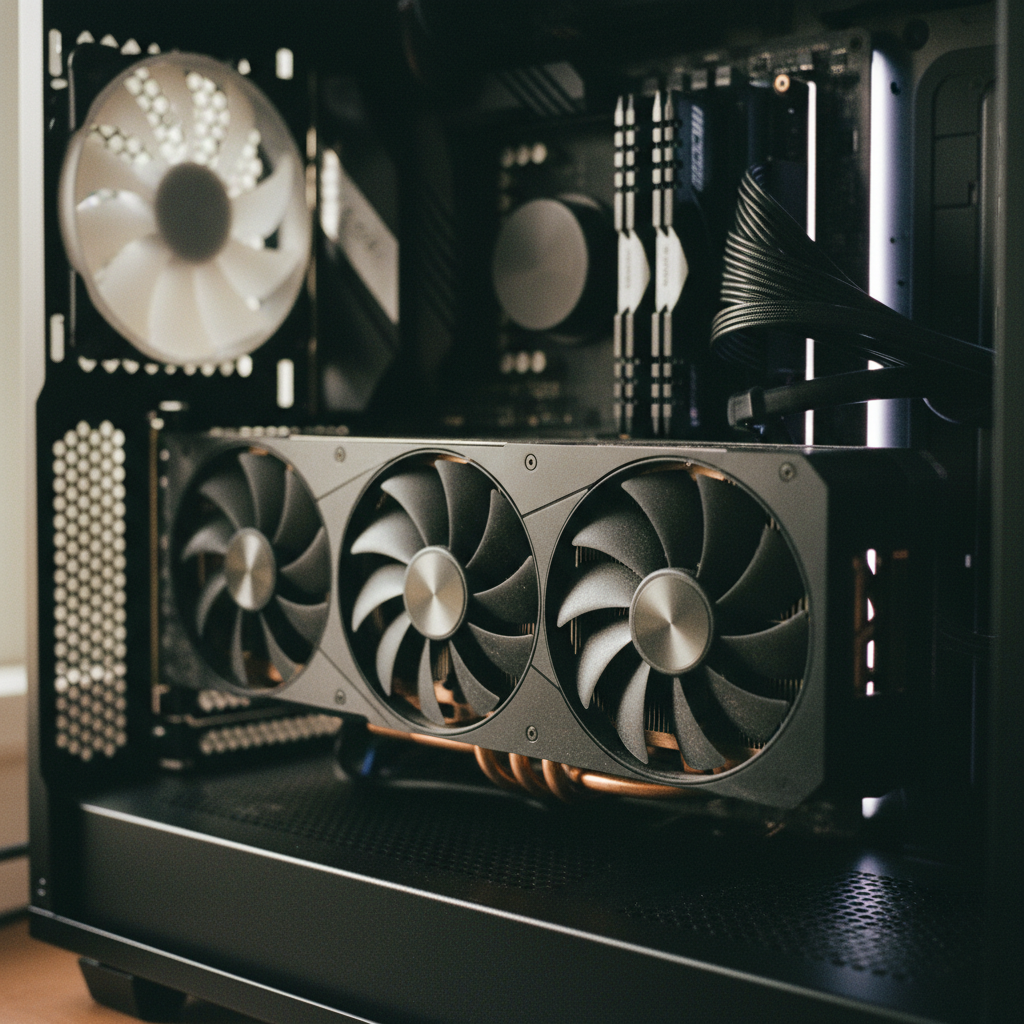
To get started, you will need a Windows laptop or desktop, preferably one with an NVIDIA GPU or a newer AMD processor. In the Fixtech testing lab, we found that models like Llama 3.1 8B perform exceptionally well for drafting emails, summarizing long documents, and even basic Python coding. Because the data never leaves your machine, this is the preferred method for professionals handling sensitive client information or proprietary business data.
The workflow change is simple: instead of visiting a website, you open an application on your desktop. These tools also allow you to "side-load" different models. If one AI model feels too robotic, you can swap it for another specialized in creative writing with just a few clicks. This flexibility is something a locked-in ChatGPT subscription simply cannot offer.
HuggingFace Chat: The Open-Source Powerhouse
If your hardware isn't powerful enough to run models locally, HuggingFace Chat is the premier destination for open-source AI. It is essentially a hub where the world’s best developers share their models. You can access top-tier AI like Command R+ or Qwen for free through their chat interface. It provides a clean, ad-free experience that mirrors the ChatGPT interface but gives you a choice of "brains" behind the chat.
For Nigerian students and researchers, this is a goldmine. You aren't limited to the specific biases or guardrails of a single corporation. Instead, you can switch between models to see which one provides the most accurate Nigerian historical context or local legal interpretations. It is a highly democratic way to access cutting-edge technology without a credit card.
We often suggest HuggingFace to users who are troubleshooting Windows performance issues because it doesn't drain system resources like a local installation would. It is a "cloud-lite" approach: you get the power of the cloud without the subscription fee, provided you are comfortable with the platform's standard data privacy terms for their free tier.
Perplexity AI: When Accuracy Trumps Conversation
One area where the free version of ChatGPT often fails is real-time information. Perplexity AI solves this by acting as a "discovery engine." It combines a large language model with a search engine, providing cited sources for every claim it makes. For professionals in Nigeria’s tech or finance sectors, the ability to verify a fact instantly is more valuable than a creative chat bot.
Perplexity offers a generous free tier that doesn't require a monthly commitment. It is particularly useful for technical Android troubleshooting and fixes, as it can pull the latest forum posts or official documentation that might have been published after ChatGPT’s last training cutoff. It bridges the gap between a standard Google search and an AI conversation.
The key to using Perplexity effectively is to treat it as a research assistant. While it might not be as "human-like" in its prose as a local Llama model, its utility in providing accurate, sourced data makes it an essential tool in any subscription-free AI toolkit. Fixtech often recommends this for users who need to stay updated on rapidly changing software landscapes.
Implementation: How to Switch Without Losing Productivity
Setting up these alternatives is straightforward, but it requires a methodical approach to ensure your system stays stable. First, check your Windows version; most local AI runners require Windows 10 or 11. Ensure your drivers, especially your graphics drivers, are up to date. A common mistake we see at Fixtech is users trying to run massive 70B parameter models on a 16GB RAM laptop, which leads to system crashes.
Follow these steps for a successful local migration:
-
Download a Runner: Start with LM Studio for its user-friendly interface.
-
Select a Model: Search for 'Llama 3' or 'Mistral' within the app. Look for the 'Fit' indicator to ensure it works with your RAM.
-
Test Performance: Start a chat and monitor your Task Manager (Ctrl+Shift+Esc) to see how your CPU and GPU are handling the load.
-
Offline Verification: Turn off your WiFi and see if the AI still responds. If it does, you have successfully freed yourself from the subscription-cloud loop.
By moving to these alternatives, you not only save money but also build a more resilient digital workflow. You are no longer at the mercy of a company’s pricing changes or server outages. Whether you choose the absolute privacy of local models or the researched-backed answers of Perplexity, the era of the mandatory AI subscription is coming to an end. We encourage you to explore our full library of AI guides to further optimize your setup.
About Fixtech
FixTech is a global technology guide platform dedicated to helping users navigate the complexities of modern computing. We publish comprehensive, step-by-step troubleshooting guides and tutorials for Android, Windows, and the latest AI tools. Our mission is to provide clear, actionable resources on cybersecurity, VPNs, and cloud storage to a global audience, with a strong focus on high-growth markets like Nigeria, Kenya, and South Africa.
Operating as an independent technology resource, FixTech offers specialized advice on WiFi and internet solutions, software recommendations, and device performance optimization. Whether you are looking to fix a recurring system error or seeking the best privacy tools like NordVPN and Malwarebytes, we provide the technical depth needed to improve your digital experience. We serve individual users who value practical, reliable information to keep their devices running at peak performance.
Frequently asked questions
Do I need a powerful computer to run ChatGPT alternatives locally?
Using local models via tools like LM Studio or GPT4All requires a dedicated GPU, preferably an NVIDIA card with 8GB of VRAM or more, to ensure smooth performance on Windows. If your laptop in Lagos or Abuja lacks a dedicated card, web-based open-source platforms like HuggingFace are a better free alternative. Fixtech guides highlight that while local AI is private, it is hardware-intensive.
Are these alternatives truly free?
Most open-source alternatives like Llama 3 or Mistral are completely free to download and use. However, you pay with your hardware's electricity consumption and the initial cost of the device. For those in Nigeria managing data costs, the initial download of a 5GB to 10GB model is the main expense, after which the AI works entirely offline.
Is my data safer with local AI than with ChatGPT?
Yes, when you run a model locally using tools recommended by Fixtech, your prompts and data never leave your hard drive. This is a significant advantage over ChatGPT, where data is often used to train future models unless you opt out specifically.
Can these free alternatives match ChatGPT's quality?
While ChatGPT is a great generalist, specific models like Claude (for coding) or Perplexity (for real-time research) often outperform it in specialized tasks. Open-source models like Llama 3.1 have now reached performance parity with GPT-4 for most daily writing and logic tasks.
Can I use these tools to summarize my own private documents?
Absolutely. Modern local AI runners allow you to 'chat with your documents.' You can point the software to a folder of PDFs or Word docs, and the AI will answer questions based only on those files without uploading them to the cloud.
About Fixtech
FixTech is a global technology guide platform (fixtech.co.ke) that publishes step-by-step troubleshooting guides and tutorials for Android, Windows and AI tools, and provides resources on cybersecurity, VPNs and cloud storage. The site offers WiFi and internet solutions, software recommendations and performance optimization tips to help users diagnose problems and improve device performance. FixTech is described on the site as an independent technology resource.
Software or an online platform sold by subscription or usage.
start a trial, sign up or subscribe with FixtechNext step
Continue with Fixtech
FixTech is a global technology guide platform (fixtech.co.ke) that publishes step-by-step troubleshooting guides and tutorials for Android, Windows and AI tools, and provides resources on cybersecurity, VPNs and cloud storage. The site offers WiFi and internet solutions, software recommendations and performance optimization tips to help users diagnose problems and improve device performance. FixTech is described on the site as an independent technology resource.
Visit FixtechWritten with information published by Fixtech.