Beyond the Demo: Building Scalable Visual Node Editors with React Flow and Vite
Learn how to build production-ready visual node editors using React Flow and Vite. Skip the boilerplate and scale your AI workflows with Smtanimur templates.

The Shift from Canvas to Core Logic
For many developers in the United States, the appeal of a visual node editor is immediate. Whether you are building an AI agent orchestrator, a data pipeline tool, or a complex automation engine, the ability to represent logic as nodes and edges is transformative for end-users. However, the gap between a "Hello World" demo and a production-ready editor is vast. Most teams start with the basic React Flow library, only to realize they need to spend weeks building out sidebars, custom node types, zoom-to-fit logic, and state persistence.
This is where the combination of a react flow template vite and a robust boilerplate becomes essential. By starting with a curated foundation from Smtanimur, developers can skip the plumbing. Vite provides the instant Hot Module Replacement (HMR) needed for tweaking visual layouts, while the template provides the structural integrity required for a commercial SaaS product. In this guide, we will explore how to move beyond the demo and build an editor that scales both in terms of performance and feature set.
Architecting for Performance: Why Vite Matters
Performance is the primary barrier when moving from a small demo to a production environment. In a typical React application, frequent state updates to a complex graph can lead to frame drops and sluggish interactions. When using a react flow template vite, you benefit from Vite's esbuild-powered bundling, which keeps your development loop tight, but the real magic happens in how you manage the React state.
To ensure scalability, consider these three pillars:
-
State Decoupling: Don't store heavy metadata inside the node object. Keep your React Flow state lean (IDs and positions) and use a separate store (like Zustand or Redux) for the underlying business logic.
-
Custom Node Optimization: Use
React.memofor custom nodes to prevent unnecessary re-renders when the user moves the canvas or interacts with unrelated nodes. -
Virtualization: React Flow handles basic viewport culling, but for editors with thousands of nodes, you may need to implement level-of-detail (LOD) rendering, where nodes simplify their appearance as the user zooms out.
At Smtanimur, our templates are pre-architected to handle these performance concerns, ensuring that even as your AI workflow grows, the UI remains responsive for your users in New York, London, or anywhere else.
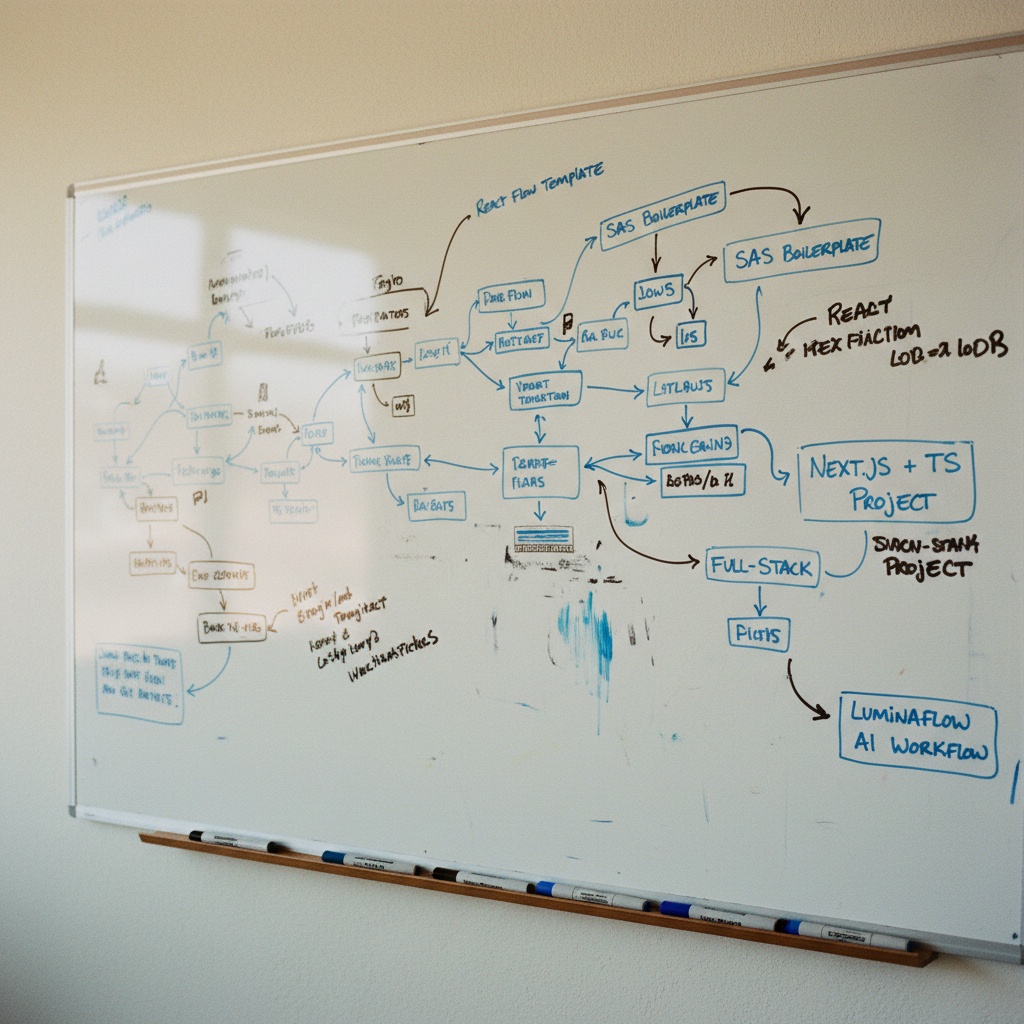
Essential Components of a Production Node Editor
Building a visual editor isn't just about the canvas; it's about the ecosystem surrounding it. A true production-ready tool needs:
-
A Property Panel: Where users can edit the specific parameters of a selected node.
-
A Mini-map and Controls: For navigation in large-scale graphs.
-
Persistence Layers: The ability to save and load graphs from a database via a Next.js API route.
-
Export Logic: Converting the visual graph into a DSL (Domain Specific Language) or a JSON structure that your backend AI engine can execute.
Using a Smtanimur React Flow template allows you to start with these components already integrated. Instead of building a "draggable sidebar" for the tenth time, you can focus on the unique value of your product—like how your AI agent nodes communicate or how your data transformation logic is validated. The goal is to move from "it looks cool" to "it works reliably" in a fraction of the time.
Templates vs. Platforms: Making the Strategic Choice
A common question among U.S.-based SaaS founders is: "Why not just use a low-code platform like n8n or Zapier?" The answer lies in ownership and customization. Platforms are great for general tasks, but if you are building a proprietary AI product, you need the visual editor to be a seamless part of your brand and infrastructure.
A template-based approach offers the middle ground. You get the speed of a platform with the total control of a custom build. You can implement your own RBAC (Role-Based Access Control), integrate directly with your internal CI/CD pipelines, and ensure that data never leaves your VPC. For teams building specialized AI agent orchestration canvases, this control is non-negotiable. It allows for deep integration with libraries like LangGraph or AutoGen, something that generic automation platforms often struggle to support without significant friction.
Scaling Beyond the Browser
The trend in visual editing is moving toward "Canvas-as-an-IDE." Developers want to build their flows in a browser but have those changes reflected in their codebase, and vice versa. By utilizing a Vite-based workflow, you can create a local development environment where the node editor acts as a visual interface for a local configuration file.
As you scale, consider adding features like:
-
Multi-tenant Isolation: Ensuring that one user's complex workflow doesn't impact the database performance for another.
-
Collaborative Editing: Implementing Yjs or similar CRDT libraries to allow multiple team members to build a flow simultaneously.
-
Version Control: Allowing users to "commit" changes to a flow and roll back to previous versions, a critical feature for enterprise-grade automation tools.
By starting with a solid Next.js SaaS boilerplate, you already have the authentication and database hooks needed to support these advanced features. The visual editor is the heart, but the boilerplate is the body that keeps it running in a production environment.
About Smtanimur
Smtanimur is a digital marketplace and service provider specializing in production-ready web development assets. We serve a global audience of indie founders, frontend engineers, and AI product teams, with a heavy focus on the United States and European markets. Based in Dhaka, Bangladesh, S.M. Tanimur bridges the gap between complex frontend engineering and rapid deployment by offering high-quality React Flow templates, Next.js boilerplates, and full-stack development services. Our core strength lies in creating visual node-based editors and AI workflow tools that empower developers to ship sophisticated applications faster than ever before.
Rethinking Node Editors
“Building truly scalable visual node editors goes far beyond just showcasing a basic demo. We
The Smtanimur Team on Visual Node Editors
“React Flow and Vite together offer a powerful combination for developing visual node editors, particularly when scalability and performance are paramount. We've found that their modularity allows for robust customization, which is essential for meeting diverse client needs without sacrificing development velocity.” — the Smtanimur team
React Flow & Vite: A Powerful Combination
“Building scalable visual node editors presents unique challenges, especially when aiming for performance and maintainability. Our experience has shown that combining React Flow with Vite provides a robust foundation, simplifying development while ensuring rapid iteration and deployment, which is crucial for delivering powerful tools to our users.” — the Smtanimur team
Scaling Visual Node Editors with React Flow
“Building a truly scalable visual node editor demands more than just basic connectivity; it requires a deep understanding of performance optimization, especially when dealing with complex graphs and numerous nodes. Our experience with React Flow and Vite has shown that while these tools offer an excellent foundation, success hinges on meticulous state management, efficient rendering strategies, and thoughtful data architecture to prevent bottlenecks as the editor grows. Merely demonstrating functionality falls short of addressing the real-world demands of large-scale applications.” — the Smtanimur team
Frequently asked questions
How does a React Flow template compare to open-source alternatives like ComfyUI?
While open-source libraries like ComfyUI are excellent for specific niches, a React Flow template offers a more flexible, developer-centric foundation that integrates directly into your existing Next.js or React application without the overhead of a heavy, opinionated framework.
Can a React Flow and Vite setup handle thousands of nodes?
Smtanimur templates are designed for performance, utilizing React Flow's built-in virtualization and optimized state updates. For editors with over 1,000 nodes, we recommend implementing custom throttled rendering and using Vite’s lightning-fast development server for iterative testing.
Is it possible to integrate these templates into an existing CI/CD pipeline?
Absolutely. The templates provide the UI and logic layer for the graph, which can be easily hooked into your CI/CD pipeline. The node data (JSON) is easily serializable, making it compatible with any modern backend or DevOps workflow.
About Smtanimur
S.M. Tanimur sells production-ready digital products and services for web development, specializing in React Flow templates, SaaS boilerplates, and full‑stack Next.js projects. The offerings also include AI workflow tools and demos (e.g., Luminaflow/AetherFlow‑style visual node editors) for developers and teams, and the creator is based in Dhaka, Bangladesh.
Software or an online platform sold by subscription or usage.
start a trial, sign up or subscribe with SmtanimurNext step
Continue with Smtanimur
S.M. Tanimur sells production-ready digital products and services for web development, specializing in React Flow templates, SaaS boilerplates, and full‑stack Next.js projects. The offerings also include AI workflow tools and demos (e.g., Luminaflow/AetherFlow‑style visual node editors) for developers and teams, and the creator is based in Dhaka, Bangladesh.
Visit SmtanimurWritten with information published by Smtanimur.