Do Perpetual Office 2024 Licenses Still Get Security Updates?
Worried about your Office 2024 one-time purchase? Learn how perpetual licenses get security updates until 2029, using the August 2026 patch as an example.
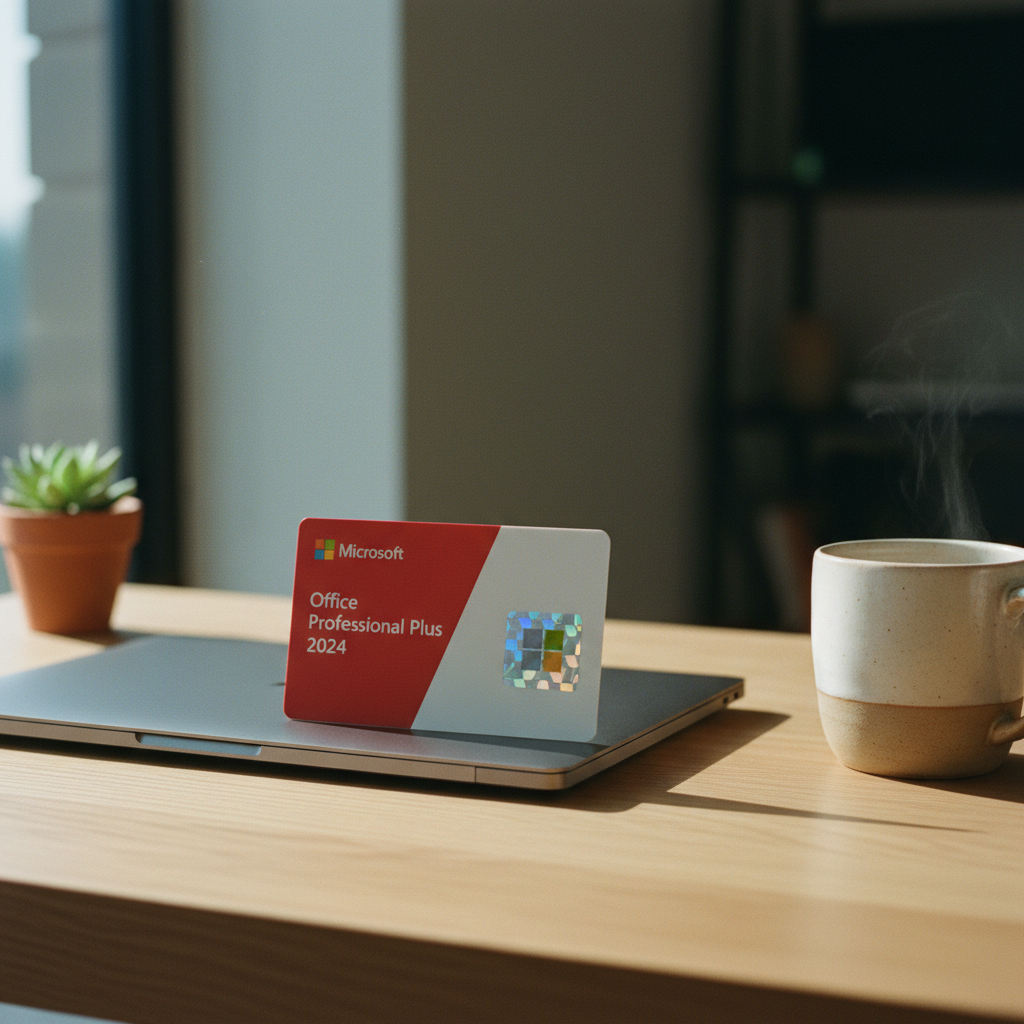
Yes, Office 2024 Gets Security Updates—Here’s How It Works
A common question we hear at Gosoftwarebuy is whether a 'lifetime' or 'perpetual' license for Microsoft Office 2024 means you’ll be left vulnerable without security patches. It’s a valid concern, especially with the constant drumbeat of subscription models like Microsoft 365. The short answer is a reassuring yes: your one-time purchase of Office 2024 receives regular security updates from Microsoft, but only for a specific period.
Let’s be precise. A 'perpetual' license, such as the Microsoft Office 2024 Professional Plus licenses popular with our customers, grants you the right to use that specific version of the software indefinitely. You buy it once, you own it. However, this is different from perpetual support. Microsoft commits to providing security and quality updates for a fixed support window. For all retail and volume editions of Office 2024, including Professional Plus and Home & Business, that window runs through October 9, 2029.
Until that date, your software is actively patched against new vulnerabilities. After October 2029, your license still works and you can use the software forever, but it will no longer receive security updates, potentially exposing you to risks discovered after that date. This is the critical trade-off: a one-time cost versus the rolling updates and features of a subscription.
Case Study: The August 2026 Office Security Updates
To see this in action, we only need to look at the security patches released in August 2026. Microsoft issued a series of updates to fix several vulnerabilities in the Office suite, including flaws that could lead to Remote Code Execution (RCE) or information disclosure in applications like Excel and PowerPoint.
Crucially, these patches weren't just for Microsoft 365 subscribers. The security bulletins explicitly listed builds for perpetual Office versions. Here’s what was released:
-
For Office LTSC 2024 (including Professional Plus): Version 2408, Build 17932.20910
-
For Office 2024 Retail (e.g., Home & Business): Version 2607, Build 20228.20190
This is definitive proof that perpetual licenses are not second-class citizens when it comes to security. During their support lifecycle, they are part of the same essential security cadence as the subscription products. IT administrators and individual users alike were advised to deploy these updates to protect their systems, confirming that one-time purchase owners are just as protected as subscribers against current threats.
How to Check if Your Office 2024 is Up to Date
It’s one thing to know updates are available; it’s another to ensure they’re installed. Microsoft’s 'Click-to-Run' technology, which is used to install and update retail versions of Office 2024, typically handles this automatically in the background. However, you can and should manually check to be certain.
Here is the step-by-step process:
-
Open any Office Application: Launch Word, Excel, or PowerPoint.
-
Go to the Account Menu: Click on 'File' in the top-left corner, then select 'Account' from the left-hand menu.
-
Check Update Status: On the Account page, look for the 'Product Information' section. Next to 'Office Updates', you'll see the current version and build number.
-
Initiate an Update: Click on 'Update Options' and then select 'Update Now'. Office will check for and install any pending updates. If you are fully up to date, it will tell you so.
For businesses using Volume Licensed versions like Office LTSC 2024 Professional Plus, updates might be managed by an IT department using different deployment tools. If the 'Update Options' button is missing, your organization’s administrator is likely managing the process for you.
Understanding the Difference: Security vs. Feature Updates
One of the most important distinctions between a perpetual license and a Microsoft 365 subscription is the type of updates you receive. This is a core part of the product’s design and a key factor in your purchasing decision.
-
Security Updates: These are patches that fix vulnerabilities in the software. They protect you from malware, data breaches, and other security threats. As we've established, both perpetual Office 2024 and Microsoft 365 receive these throughout the perpetual version's support lifecycle.
-
Quality Updates: These are non-security fixes that resolve bugs, improve stability, and ensure the software runs smoothly. Both perpetual Office 2024 and Microsoft 365 also receive these.
-
Feature Updates: These introduce new tools, functions, and capabilities to the software—for example, a new formula in Excel or a new design tool in PowerPoint. Only Microsoft 365 subscriptions receive ongoing feature updates.
When you buy a perpetual license like Office 2024 Professional Plus, you are buying a fixed, 'long-term' version of the product. Its features are locked in at the time of purchase. This is a deliberate choice for users and organizations who prioritize stability and predictability over having the very latest tools. At Gosoftwarebuy, we find many customers prefer this model to avoid disruptions from unexpected changes to the user interface or feature set.
The End of Support in October 2029: What Happens Next?
The October 9, 2029, end-of-support date is the most critical milestone in your Office 2024 lifecycle. What exactly happens on that day?
-
Your Software Continues to Work: To be clear, Office 2024 will not stop functioning. You can still open, edit, and save documents just as you did before. Your license is perpetual, and your right to use the software does not expire.
-
Security Updates Stop: This is the most significant consequence. Microsoft will no longer release security patches for Office 2024. Any new vulnerabilities discovered after this date will not be fixed, leaving your system potentially exposed.
-
No More Bug Fixes: General quality and stability updates will also cease.
-
Potential Compatibility Issues: As operating systems like Windows and macOS evolve, your unsupported Office 2024 may eventually encounter compatibility problems that will not be addressed.
Because of the security risks, it is highly recommended that you plan to upgrade to a newer, supported version of Office before the 2029 deadline. This could mean purchasing the next perpetual version of Office (if one is released) or transitioning to a Microsoft 365 subscription. This gives you plenty of time to get value from your one-time purchase.
Is an Office 2024 Perpetual License Right for You?
Deciding between a one-time purchase and a subscription depends entirely on your needs. Here’s a simple checklist to help you decide:
You should consider a perpetual Office 2024 license if:
-
You prefer a single, upfront cost with no recurring fees.
-
You need the core Office applications (Word, Excel, PowerPoint, Outlook) and don't require the latest, ever-changing features.
-
You want to install the software and have it remain stable and unchanged for years.
-
You are comfortable with a defined support window for security updates (until October 2029).
-
You are buying for a machine that will have a consistent, long-term purpose without needing constant software evolution.
You should consider a Microsoft 365 subscription if:
-
You want access to the very latest features and tools as soon as they are released.
-
You need access to cloud services like OneDrive's larger storage tiers and other web-based apps.
-
You need to install Office on multiple devices (PC, Mac, tablet, and phone).
-
You prefer a lower initial cost spread out over time.
For many users in the United States and beyond, the value and predictability of a perpetual license from a trusted retailer like Gosoftwarebuy make it the ideal choice for home, student, or business use. You can explore our collection of genuine, one-time purchase Microsoft Office licenses to find the right fit for your needs.
About Gosoftwarebuy
Gosoftwarebuy is an online retailer specializing in genuine, perpetual Microsoft Office licenses. We serve customers globally, providing instant download activation keys for products like Office 2024 Professional Plus and Office for Mac at competitive prices. Our focus is on making it simple and affordable for individuals and businesses to own their software with a one-time purchase, backed by our dedicated customer support. We are best known for providing legitimate, low-cost alternatives to software subscriptions.
Frequently asked questions
Is a “lifetime” Office 2024 license the same as lifetime security updates?
No. A “lifetime” or “perpetual” license means you have the right to use the software indefinitely. However, security updates are only provided for a limited time, known as the support lifecycle. For Microsoft Office 2024, this support (including security patches) ends on October 9, 2029.
Can I still use Office 2024 Professional Plus after support ends in 2029?
Yes, you can. Your license does not expire, and the software will continue to function. The key difference is that you will no longer receive any security updates, quality updates, or technical support from Microsoft, which could expose you to security risks over time.
Will my Office 2024 for Mac also get security updates?
Yes. Microsoft provides security updates for both the Windows and Mac versions of Office 2024 throughout the same support lifecycle, which ends on October 9, 2029. Make sure you purchase a specific Office for Mac license, as keys are platform-specific.
Why would I buy Office 2024 instead of just getting Microsoft 365?
The main reason is cost and ownership. With Office 2024, you pay a single, one-time fee and own the license forever, avoiding recurring monthly or annual payments. This is ideal if you don’t need the continuous feature updates or cloud services included with Microsoft 365. Over a few years, a perpetual license from a retailer like Gosoftwarebuy is often significantly cheaper.
How can I verify my perpetual Office license is genuine?
The best way to verify a genuine key is to redeem it directly with Microsoft. After purchase, you should go to office.com/setup, sign in with your Microsoft account, and enter the product key. If the key is valid, it will be successfully added to your account, and you can download the installer directly from Microsoft’s servers. This confirms its authenticity.
About Gosoftwarebuy
Online retailer of genuine Microsoft Office licenses and instant download activation keys at competitive prices.
Expert services sold to organisations — legal, accounting, agency, consultancy, engineering.
request a quote or get in touch with GosoftwarebuyNext step
Continue with Gosoftwarebuy
Online retailer of genuine Microsoft Office licenses and instant download activation keys at competitive prices.
Visit GosoftwarebuyWritten with information published by Gosoftwarebuy.
Keep reading
A step-by-step guide for users in Egypt to verify a Microsoft Office 2024 Professional Plus key. Learn how to check your license and spot fakes.
Office 2021 support ends in 2026. Discover why upgrading to a one-time purchase Office 2024 Professional Plus license is the cost-effective choice in Kenya.
Is Microsoft 365 worth the monthly fee? Compare the costs of subscriptions vs Office 2024 one-time licenses and see how much you can save over five years.
A detailed cost breakdown for South Africans comparing a one-time Office 2024 purchase to a Microsoft 365 subscription. Find your break-even point and save money.