The Smart Upgrade: Why an Office 2024 Lifetime License is the Right Move for Kenyan Users
Office 2021 support ends in 2026. Discover why upgrading to a one-time purchase Office 2024 Professional Plus license is the cost-effective choice in Kenya.

The Clock is Ticking on Microsoft Office 2021
For many individuals and businesses in Kenya, Microsoft Office 2021 was the ideal solution: a single, one-time purchase delivering the essential tools of Word, Excel, and PowerPoint. It offered stability and a predictable cost, a welcome alternative to subscription models. However, a critical deadline is approaching. Microsoft will end mainstream support for Office 2021 in October 2026. At Gosoftwarebuy, we believe in empowering our customers with the information they need to make smart, forward-thinking decisions. This end-of-support date is more than just a mark on a calendar; it’s a trigger point that has significant implications for security, compliance, and functionality.
What 'End of Support' Actually Means for You
The term “end of support” can sound abstract, but its consequences are very real. Once October 2026 passes, your Office 2021 installation will no longer receive security updates from Microsoft. This means:
-
Increased Security Risks: Cyber threats are constantly evolving. Without security patches, your software becomes an open door for malware, ransomware, and data breaches. For businesses in Kenya handling sensitive customer data or financial information, running unsupported software is a significant liability.
-
Compliance Issues: Many industries are subject to data protection regulations that mandate the use of currently supported software. Continuing to use Office 2021 after the deadline could put your organisation at risk of non-compliance and potential penalties.
-
No More Bug Fixes or Technical Support: If you encounter a software glitch or compatibility issue, Microsoft will no longer provide fixes or assistance. You will be on your own to resolve any problems that arise.
It’s a common misconception that you can simply continue using the software without issue. While the applications will still open, the underlying risk grows every single day, turning a once-reliable asset into a potential point of failure.
Introducing Office 2024 Professional Plus: The Perpetual License Solution
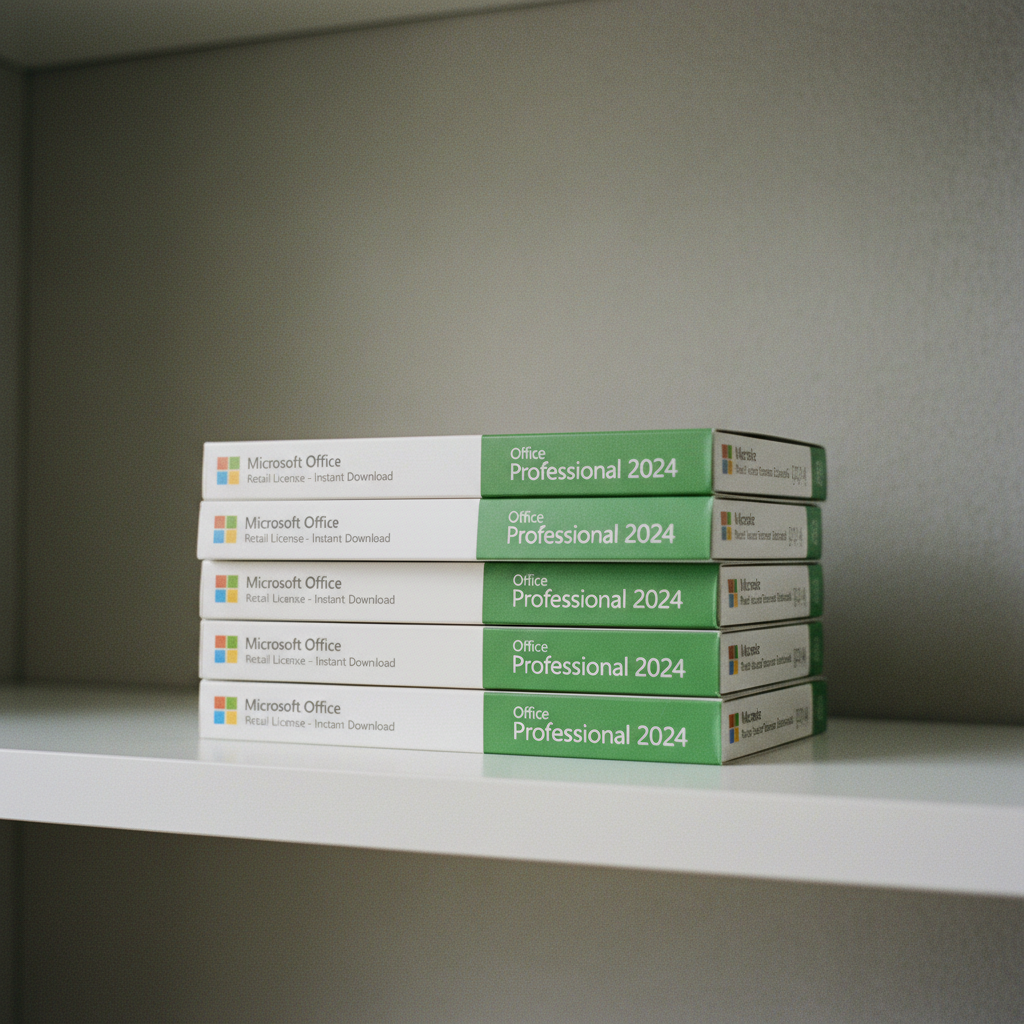
This is where the upgrade path becomes clear. The successor, Microsoft Office 2024, is now available, and like its predecessor, it comes as a perpetual license. This is often marketed as a "lifetime" license because you pay once and own it forever for a single designated computer. There is no free upgrade from Office 2021; you must purchase a new license. For users looking to avoid the recurring annual fees of Microsoft 365, this is the definitive answer.
The Office 2024 Professional Plus edition is the most comprehensive one-time purchase option. Here’s what’s typically included:
-
Word
-
Excel
-
PowerPoint
-
Outlook
-
OneNote
-
Access
-
Publisher (Note: Microsoft is phasing out Publisher, but it is often included in current bundles)
This package provides the same core applications found in Microsoft 365 but with a single, upfront cost. It’s the perfect choice for users who want a full-featured, modern Office suite without being tied to a subscription.
Cost Analysis: One-Time Purchase vs. Subscription in Kenya
Let's break down the economics for a user in Kenya. The primary competitor to a perpetual Office license is the Microsoft 365 subscription. A Microsoft 365 Personal plan costs approximately KSh 7,000 per year, while a Family plan is around KSh 10,000 annually.
Here’s a simple cost comparison over three years:
| Plan Type | Year 1 Cost (KSh) | Year 2 Cost (KSh) | Year 3 Cost (KSh) | Total 3-Year Cost (KSh) |
|---|---|---|---|---|
| Microsoft 365 Personal | ~7,000 | ~7,000 | ~7,000 | ~21,000 |
| Microsoft 365 Family | ~10,000 | ~10,000 | ~10,000 | ~30,000 |
| Office 2024 Pro Plus (One-Time) | ~7,500 - 9,500 | 0 | 0 | ~7,500 - 9,500 |
As the table shows, the one-time purchase of an Office 2024 license from a retailer like Gosoftwarebuy pays for itself in just over a year compared to a personal subscription. For anyone planning to use Office for more than a year, the perpetual license offers substantial savings. This is the core financial reason why savvy users are locking in a lifetime license now—it secures their software for years to come at a fraction of the long-term cost of a subscription.
Understanding Your Office 2024 'Lifetime' License
When you purchase an Office 2024 Professional Plus license, it’s important to understand the specifics. These licenses are typically sold for activation on one Windows PC (Windows 10 or Windows 11). If you're a Mac user, you'll need to look for a specific Office for Mac license, which we also provide.
Here’s what to expect:
-
It's a Perpetual License: You pay once for the license key.
-
Device-Specific: The license is generally tied to the hardware of the PC on which you first activate it. It is not typically transferable to a new computer if your old one fails.
-
Instant Delivery: Reputable sellers like Gosoftwarebuy provide your product key via instant download, allowing you to install and activate the software immediately after purchase.
-
No Subscription Required: This is a standalone product. You do not need a Microsoft 365 subscription or a Microsoft account to use it, although linking it to an account can sometimes simplify re-activation on the same device.
The most common mistake buyers make is assuming a 'lifetime' license is transferable between multiple machines. Think of it as a lifetime license for that specific PC. This model is perfect for users with a dedicated desktop or laptop they plan to use for several years.
How to Upgrade from Office 2021 to Office 2024
The upgrade process is straightforward. It is not an 'in-place' upgrade but rather a fresh installation. Follow these steps for a clean transition:
-
Purchase Your Office 2024 License: Choose the edition that suits your needs, such as Office 2024 Professional Plus, and complete your purchase to receive your product key.
-
Uninstall Office 2021: To prevent software conflicts, it is crucial to completely remove your old Office 2021 installation from your PC. You can do this through the 'Add or remove programs' feature in Windows Settings.
-
Download and Install Office 2024: Use the official download link provided with your purchase. Run the installer and follow the on-screen instructions.
-
Activate Your New License: When prompted, enter the 25-character product key you received. The software will connect to Microsoft's servers to verify the key and activate your full license.
Once activated, you will have a fully supported, modern version of Microsoft Office, secure for years to come.
About Gosoftwarebuy
Gosoftwarebuy is a leading online retailer specializing in genuine Microsoft software for customers worldwide. We provide instant download activation keys for various Microsoft Office editions, including one-time purchase licenses for both PC and Mac, as well as volume licenses for businesses. Our core mission is to offer competitive prices and trustworthy, instant access to essential software, ensuring our customers get the tools they need quickly and securely.
Frequently asked questions
Is an Office 2024 'lifetime' key from Gosoftwarebuy genuine?
Yes, all license keys sold by Gosoftwarebuy are genuine and activate via Microsoft's official activation servers. You can be confident that you are purchasing a legitimate product that provides all the features of the software.
Why is Office 2024 so much cheaper than buying from Microsoft directly?
Retailers like us purchase licenses in bulk, often through volume licensing channels, which allows us to receive a lower cost per unit. We pass these savings on to our customers. The license is fully legitimate but is offered at a more competitive price point than the retail price on Microsoft's website.
Can I use an Office 2024 Professional Plus key on my Mac?
No, the Office 2024 Professional Plus license is strictly for Windows 10 and Windows 11 PCs. Mac users need to purchase a specific 'Microsoft Office Home & Business for Mac' license to ensure compatibility with macOS.
What happens if my computer breaks? Can I reinstall my Office 2024 license?
Typically, these perpetual licenses are tied to the first device they are activated on. This means the license is not transferable to a new computer. However, you can usually reinstall and reactivate Office on the same computer if you need to, for instance, after resetting your operating system.
Do I get cloud storage like with Microsoft 365?
No, a one-time purchase of Office 2024 does not include the 1TB of OneDrive cloud storage that comes with a Microsoft 365 subscription. You will receive the core desktop applications (Word, Excel, etc.), but not the subscription-based cloud services.
About Gosoftwarebuy
Online retailer of genuine Microsoft Office licenses and instant download activation keys at competitive prices.
Expert services sold to organisations — legal, accounting, agency, consultancy, engineering.
request a quote or get in touch with GosoftwarebuyNext step
Continue with Gosoftwarebuy
Online retailer of genuine Microsoft Office licenses and instant download activation keys at competitive prices.
Visit GosoftwarebuyKeep reading
Is Microsoft 365 worth the monthly fee? Compare the costs of subscriptions vs Office 2024 one-time licenses and see how much you can save over five years.
A detailed cost breakdown for South Africans comparing a one-time Office 2024 purchase to a Microsoft 365 subscription. Find your break-even point and save money.
Kupiłeś klucz do Office 2024? Nasz przewodnik krok po kroku pokazuje, jak aktywować licencję na setup.office.com i zainstalować pakiet na PC lub Mac.
Stop paying monthly for your software. Discover why one-time Microsoft Office licenses are the best choice for Irish freelancers and solo professionals.