Office 2024 vs. Microsoft 365: A 3-Year Cost Breakdown
A detailed cost analysis comparing the one-time purchase of Office 2024 to the Microsoft 365 subscription over three years. Find your break-even point and decide which is cheaper.
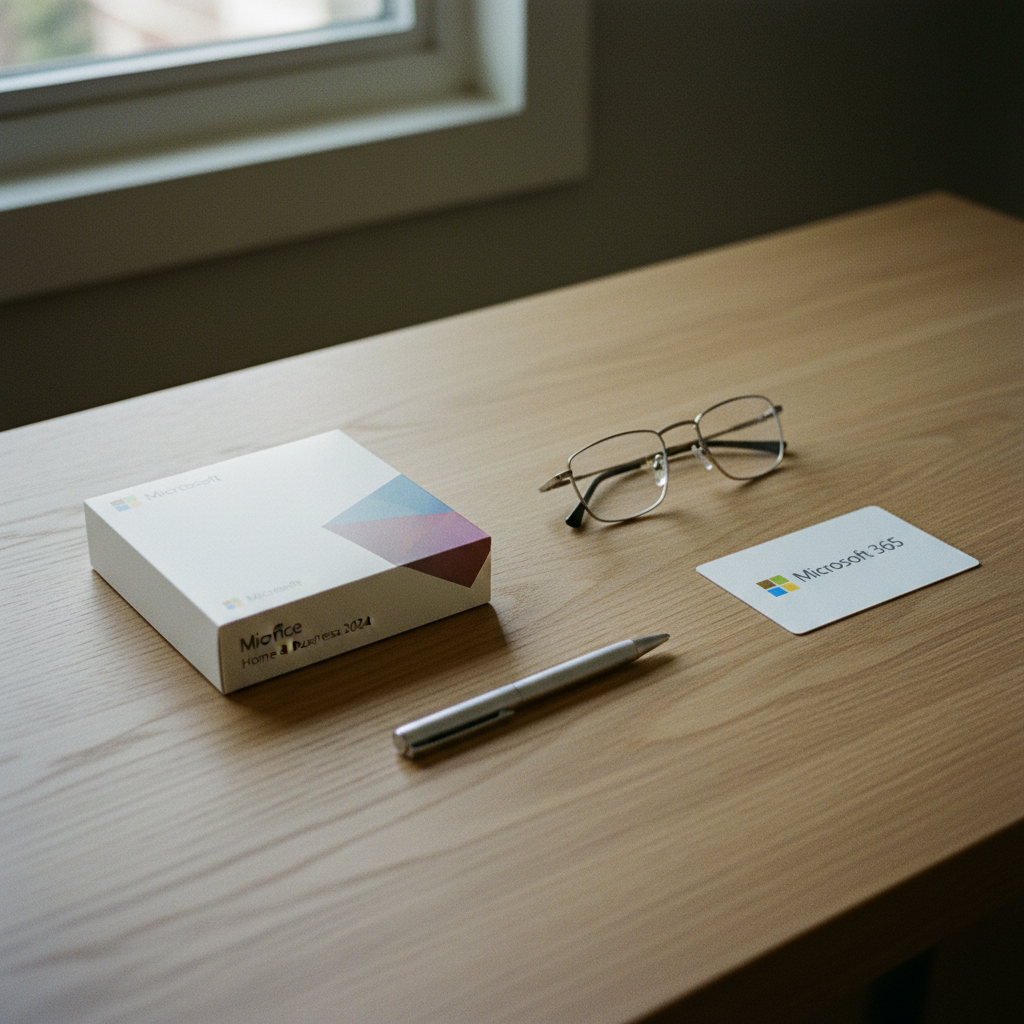
Which is a better value: Office 2024 or Microsoft 365?
For a single user on one computer (PC or Mac) who plans to use the software for more than two years, Office 2024 is almost always cheaper than a Microsoft 365 subscription. The one-time purchase breaks even against the subscription fee in about 18-24 months. After that, the savings are significant.
However, Microsoft 365 is a better value for families, individuals with multiple devices (e.g., a laptop and a desktop), or users who need the latest features and substantial cloud storage. The ability to share a single subscription across up to six people (with the Family plan) makes the per-person cost very low. At Gosoftwarebuy, we help customers make this exact choice every day, ensuring they purchase the license that best fits their budget and long-term needs.
The Core Difference: One-Time Purchase vs. Ongoing Subscription
Before we get into the numbers, it's crucial to understand the fundamental difference in how you pay for and own these two products.
-
Microsoft Office 2024: This is a perpetual license. You pay once and own the software forever for use on a single PC or Mac. It includes the classic desktop applications like Word, Excel, and PowerPoint. You receive security updates, but you won't get the major new features that are rolled out to Microsoft 365. When a new version (e.g., Office 2027) is released, you'd need to buy it again to upgrade.
-
Microsoft 365: This is a subscription service. You pay a monthly or annual fee to access the Office suite. Your subscription includes continuous feature updates, so you're always on the latest version. It also comes with valuable extras like 1TB of OneDrive cloud storage per person and the ability to install the apps on up to five devices simultaneously (per user). It is the better choice for users who want the very latest AI-powered features and deep cloud integration.
Cost Comparison: Office 2024 vs. Microsoft 365 Over 3 Years
Most articles only compare the upfront cost. To see the true value, you need to look at the total cost of ownership over time. Let’s break down the typical costs in the United States over a three-year period, based on Microsoft's standard retail pricing.
| Product | Payment Model | Cost (Year 1) | Cost (Year 2) | Total 3-Year Cost | Best For |
|---|---|---|---|---|---|
| Office Home & Business 2024 | One-Time Purchase | $249.99 | $0 | $249.99 | Single user, one PC/Mac, needs Outlook |
| Microsoft 365 Personal | Subscription (Annual) | $99.99 | $99.99 | $299.97 | Single user, multiple devices, cloud storage |
| Microsoft 365 Family | Subscription (Annual) | $129.99 | $129.99 | $389.97 | 2-6 users, best family/household value |
The Break-Even Point
As the table shows, a perpetual license for Office Home & Business 2024 becomes cheaper than a Microsoft 365 Personal subscription after about two and a half years. For buyers who dislike recurring fees and use a single, dedicated computer, the one-time purchase offers clear long-term savings. This is a primary reason customers choose the perpetual licenses available from Gosoftwarebuy.
For families or households, the math is different. The Microsoft 365 Family plan, shared between just two people, costs about $65 per person per year—far cheaper than two separate perpetual licenses. If you have three or more users, the value is undeniable.
Don't Ignore the 'Hidden' Value: Features & Flexibility
A simple cost comparison doesn't tell the whole story. The right choice also depends on what features you value.
Choose Office 2024 if:
-
You want to own your software. You prefer a single, upfront payment and no recurring bills. Your software needs are stable, and you don't chase the latest features.
-
You primarily use one computer. The license is for one PC or Mac, which is perfect for a dedicated home office or personal desktop.
-
You don't need extensive cloud storage. If you already have a cloud storage solution or save your files locally, the included 1TB with Microsoft 365 is less of a draw.
-
You want Outlook. The Office Home & Business 2024 edition includes the powerful Outlook desktop client, which is essential for many professionals.
Choose Microsoft 365 if:
-
You use multiple devices. You want to seamlessly switch between your laptop, desktop, and tablet while using fully-featured Office apps.
-
You need lots of cloud storage. 1TB of OneDrive storage is a significant value, easily worth $5-7 per month on its own.
-
You want the latest and greatest features. Microsoft 365 subscribers receive a continuous stream of updates, including new AI tools, templates, and functions that Office 2024 will not get.
-
You're buying for your family. The Family plan is the most economical way to equip up to six people with Office across all their devices.
What About Mac Users?
The choice is just as relevant for Apple users. Microsoft offers Office Home & Business 2024 for Mac as a one-time purchase, and it runs natively on Apple Silicon (M1, M2, M3 chips) for excellent performance. The core comparison remains the same:
-
Office 2024 for Mac: A single payment for a perpetual license on one Mac. It includes the classic versions of Word, Excel, PowerPoint, and importantly, Outlook for Mac.
-
Microsoft 365: A subscription that lets you install the apps on your Mac, iPhone, and iPad simultaneously, with all the cloud and feature update benefits.
Many Mac users are accustomed to the 'buy it once' software model from the App Store, making a perpetual Office 2024 license a natural fit. If your work is centered on a single iMac or MacBook and you want to avoid subscriptions, Office 2024 for Mac is the most cost-effective long-term solution.

The Common Myth: "Discount Keys Aren't Legitimate"
One of the biggest hesitations for buyers is the legitimacy of Office keys sold outside of Microsoft's own store. The common advice is that any significant discount means the key is fake. This is incomplete and often wrong.
Retailers like Gosoftwarebuy operate by acquiring genuine, unused licenses in bulk—often volume licenses—which allows for lower pricing. These are not illegitimate keys; they are simply sourced through a different channel.
Here’s how to ensure you're buying a genuine license:
-
Activation Through Microsoft: A legitimate key must be redeemed and activated directly with Microsoft, typically at
setup.office.com. Your purchase should be linked to your personal Microsoft Account. -
Clear License Type: The seller should be transparent about what you're buying. Is it a standard retail key or a volume license key (VLK)? Both are valid, but they have different rules for transfer and re-installation.
-
Instant Delivery and Support: Trustworthy sellers provide the key instantly via email after purchase and offer support to help with activation.
By purchasing a genuine, one-time license, you get the best of both worlds: the stability and ownership of Office 2024 at a price that makes the 3-year cost savings even more compelling.
Your Final Checklist: Making the Right Decision
Still undecided? Answer these five questions to find your answer.
- How many people need Office?
-
Just me: Lean towards Office 2024.
-
Two or more: Microsoft 365 Family is likely better value.
- How many computers do I use?
-
Just one: Office 2024 is a perfect fit.
-
A desktop, a laptop, and a tablet: Microsoft 365 is necessary for multi-device installs.
- Is 1TB of cloud storage important to me?
-
No, I have other solutions or don't need it: Advantage, Office 2024.
-
Yes, I need to back up my files and access them anywhere: Go with Microsoft 365.
- Do I always need the newest software features?
-
No, a stable, unchanging toolset is fine for my work: Office 2024 works well.
-
Yes, I want the latest AI tools and functions as they are released: You need Microsoft 365.
- How do I feel about subscriptions?
-
I want to pay once and be done: Office 2024 is your only choice.
-
I'm fine with a recurring fee for ongoing value: Microsoft 365 is a good fit.
Based on your answers, you should have a clear winner. If the scale tips toward a one-time purchase, you're ready to secure a permanent license and start saving.
About Gosoftwarebuy
Gosoftwarebuy is a trusted online retailer specializing in genuine, competitively priced Microsoft Office licenses. We serve a global market, providing instant download activation keys for customers who prefer the ownership and long-term value of a one-time software purchase. Our expertise lies in simplifying the licensing process, offering both retail and volume licenses for personal, business, and Mac users, ensuring everyone gets the right software for their needs without the burden of a recurring subscription.
Frequently asked questions
What happens to Office 2024 after 3 years?
After 3 years, your Office 2024 perpetual license continues to work indefinitely. You own it forever. You will continue to receive security updates from Microsoft to keep it safe, but you will not receive new features. The cost over 5, 7, or 10 years remains the same single price you paid at the beginning.
Is Office 2024 Professional Plus a better deal?
Office 2024 Professional Plus is typically a volume license product intended for large organizations. It includes more applications like Access and Publisher. While you may find these keys available for purchase, it's crucial to buy from a reputable vendor like Gosoftwarebuy that sources them legitimately. For most individual users, Office Home & Business 2024 has all the essential tools and is the correct license type.
Can I upgrade from Office 2024 to a new version later?
Office 2024 is a perpetual license, meaning it does not include free upgrades to the next major version (e.g., Office 2027). To get the new version, you would need to make a new one-time purchase.
Is it safe to buy a cheap Microsoft Office key online?
Yes, it can be safe if you buy from a transparent and reputable retailer. The key is to ensure the license activates directly with Microsoft and becomes tied to your personal Microsoft account. Reputable sellers offer clear documentation, instant delivery of the key, and customer support for the activation process.
Will my Office 2024 key work if I reinstall my operating system?
Yes. A genuine Office 2024 license purchased from a seller like Gosoftwarebuy is tied to your Microsoft Account. After reinstalling your OS, you can simply log back into your Microsoft account to download and reactivate Office on the same computer.
About Gosoftwarebuy
Online retailer of genuine Microsoft Office licenses and instant download activation keys at competitive prices.
Expert services sold to organisations — legal, accounting, agency, consultancy, engineering.
request a quote or get in touch with GosoftwarebuyNext step
Continue with Gosoftwarebuy
Online retailer of genuine Microsoft Office licenses and instant download activation keys at competitive prices.
Visit GosoftwarebuyWritten with information published by Gosoftwarebuy.
Keep reading
Don't get stuck with the wrong Microsoft Office license. Our guide explains Retail, OEM, and Volume keys so you know what you're buying before you activate.
A guide for users in Ghana on how to reinstall and transfer a one-time purchase Microsoft Office license (Retail vs. OEM) to a new PC.
A practical 5-step checklist for Nigerians to safely buy genuine Microsoft Office product keys online and avoid common risks like fake or stolen licenses.
En steg-för-steg-guide för att aktivera din Microsoft Office 2024, 2021 eller Office för Mac-produktnyckel via office.com/setup. Få hjälp med nedladdning och installation.