Retail vs. OEM vs. Volume: Which Microsoft Office License Is Right For You?
Don't get stuck with the wrong Microsoft Office license. Our guide explains Retail, OEM, and Volume keys so you know what you're buying before you activate.
Understanding the Foundation: What Are License Keys?
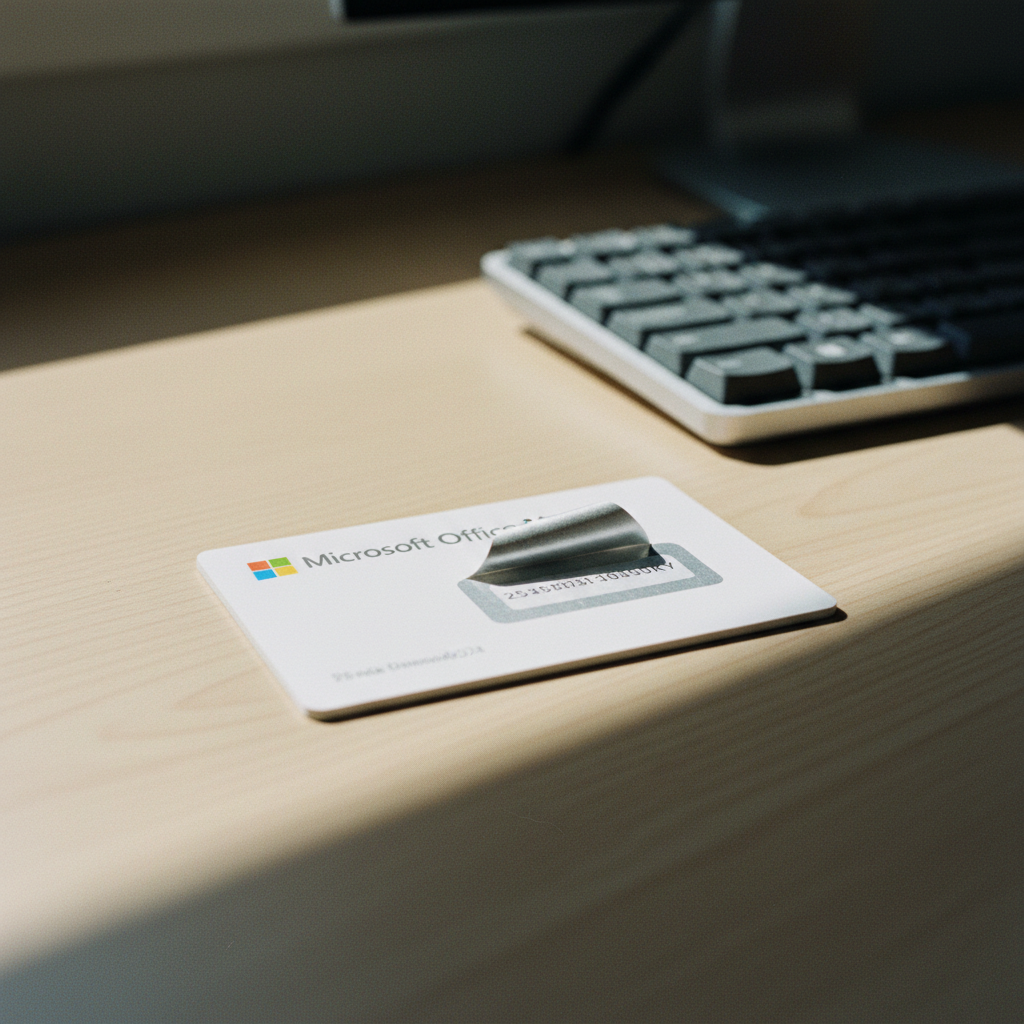
Before we get into the different types, let's start with the basics. A Microsoft Office license key is a unique code that proves you have a legitimate copy of the software. When you install Office, you'll be prompted to enter this key to activate it. This activation process connects your software to Microsoft's servers, verifying its authenticity and unlocking its full features. But not all keys are created equal. The type of license you purchase dictates how you can use, install, and reinstall the software. At Gosoftwarebuy, we believe an informed customer is a happy customer, which is why we're demystifying these terms so you can make the right choice for your needs.
The Three Main Types of Microsoft Office Licenses
When you buy a Microsoft Office license, it will almost always fall into one of three categories: Retail, OEM, or Volume. Each is designed for a different type of customer and use case. Understanding the difference is crucial to avoid paying for a license that doesn't fit your needs—or worse, one that stops working when you upgrade your computer.
-
Retail: Think of this as the standard consumer version. These licenses are sold directly to individuals, either in a box at a store or as a digital download. They are designed for personal use and offer the most flexibility.
-
OEM (Original Equipment Manufacturer): These licenses are typically pre-installed by companies that build computers, like Dell or HP. The key is intended for that specific machine and is not meant to be sold separately or transferred.
-
Volume: These are for organizations—businesses, schools, or government agencies—that need to deploy Office on many computers. They are managed through special agreements with Microsoft and use different activation methods.
Retail Licenses: The Gold Standard for Personal Use
For most individuals, a Retail license is the best and most straightforward option. When you buy a one-time purchase Retail license, like Microsoft Office Home & Business 2024 or Office Home & Student 2024, you are buying a product meant for you.
Key Characteristics:
-
Transferable: This is the biggest advantage. If you buy a new PC or Mac, you can uninstall Office from your old machine and reinstall it on the new one. The license is tied to your Microsoft account, not to a specific piece of hardware.
-
Direct Support: You are eligible for direct support from Microsoft for installation and activation issues.
-
Clear Ownership: After redeeming the key at
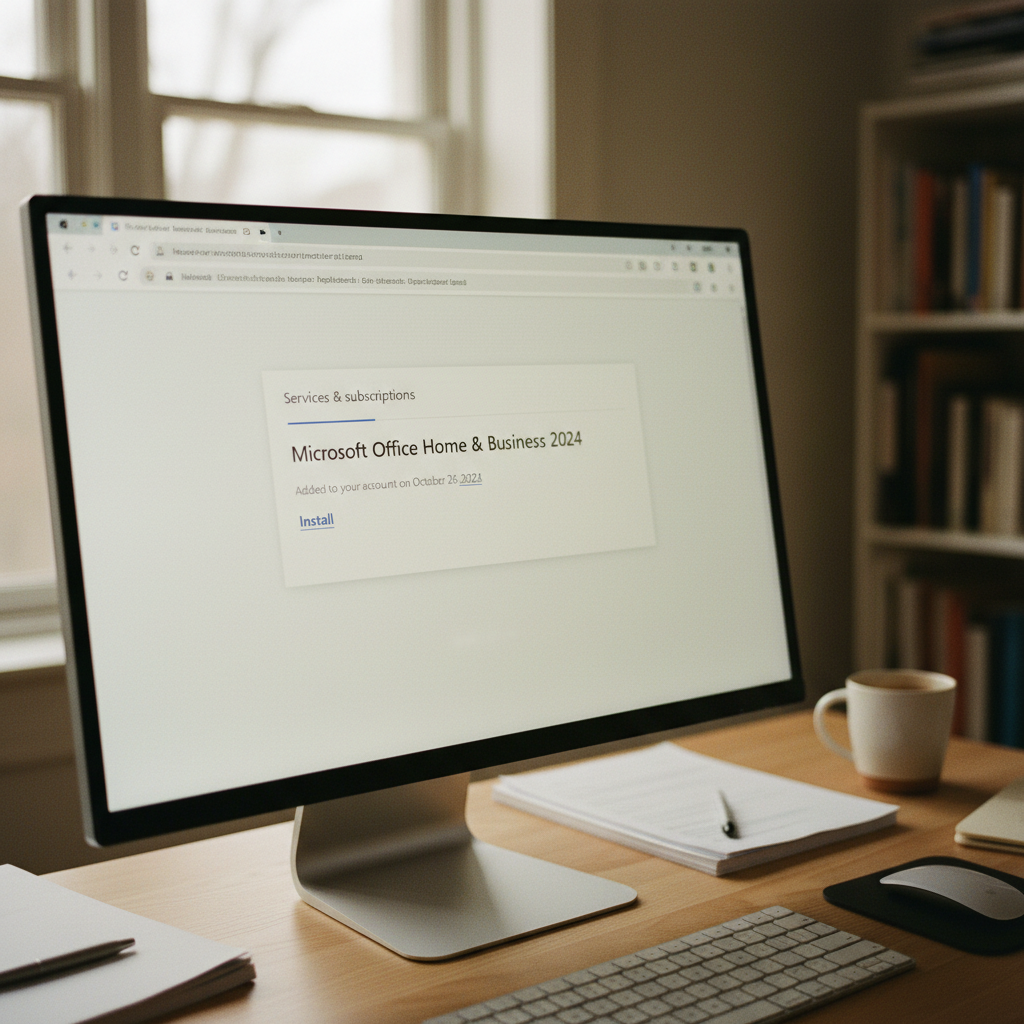
office.com/setup, the license appears in your Microsoft account's 'Services & subscriptions' page. This is your proof of ownership.
The common advice that you must have a subscription is often incomplete. While Microsoft 365 is a popular subscription, one-time purchase retail licenses offer a fantastic alternative for those who prefer to own their software outright. Companies like Gosoftwarebuy specialize in providing these genuine, perpetual licenses for users who want to avoid recurring fees.

OEM Licenses: Tied to a Single Machine
OEM licenses are the most restrictive. They are sold at a lower cost to hardware manufacturers who bundle them with new PCs. The key is intended to live and die with that original machine.
Key Characteristics:
-
Not Transferable: If the motherboard of your computer fails, or if you decide to build a new PC and move your hard drive over, an OEM Office license is technically void. It cannot be moved to a new device.
-
Sold with Hardware: Legitimate OEM software is sold bundled with a computer. Be cautious of sellers offering standalone OEM keys for Office, as this is often against Microsoft's licensing terms.
-
Support via Manufacturer: Typically, support for an OEM-installed version of Office is supposed to come from the computer manufacturer, not Microsoft directly.
While an OEM license might seem like a bargain, its lack of transferability is a major drawback for anyone who might upgrade their hardware within the lifespan of the Office software.
Volume Licenses (MAK/KMS): Built for Business, Not Individuals
You'll often see 'Office Professional Plus' or 'Office LTSC' offered at very low prices online. These are almost always Volume licenses. They are intended for large organizations that need to activate hundreds or thousands of copies of Office.
Key Characteristics:
-
Organizational Use: These are not meant for individual sale. Microsoft's own documentation confirms that products like Office Professional Plus are for organizations with volume licensing agreements.
-
Activation Methods: They use different activation methods, like MAK (Multiple Activation Key) or KMS (Key Management Service). A MAK key has a limited number of activations, and a KMS key requires the computer to regularly check in with an organization's server.
-
Risk of Deactivation: If you buy a Volume key as an individual, you are using it outside of its intended license agreement. The key could be deactivated by Microsoft at any time without notice if the original volume agreement is terminated or the activation limit is exceeded.
The 'Professional Plus' Red Flag: If you're a home user, a student, or a small business owner buying a single license, seeing "Professional Plus" or "LTSC" should be a warning sign. While the price is tempting, you are likely buying a key that was not intended for you and that carries a risk of failure down the line. Stick with clearly defined Retail products like 'Home & Student' or 'Home & Business'.
Decision Rules: A Simple Checklist for Your Next Purchase
Still unsure? Use this simple checklist to determine the right license for you.
- Are you a home user, student, or small business buying for one or a few computers?
- Yes: You need a Retail license. Look for products like Office Home & Student 2024 or Office Home & Business 2024. This ensures you can transfer the license to a new computer in the future. Avoid 'Professional Plus'.
- Are you buying Office for a Mac?
- Yes: You need a Retail license specifically for Mac, like Microsoft Office Home & Business 2024 for Mac. Also, ensure your macOS is up to date. Microsoft requires a recent version of macOS (like Sonoma or later) for the latest Office updates.
- Are you buying a new PC that comes with Office included?
- Yes: It's likely an OEM license. Confirm with the seller and understand that it's tied to that specific PC.
- Are you an IT manager for a company with 50+ employees?
- Yes: You are the target audience for Volume licensing. You should be working directly with Microsoft or a certified partner to establish a licensing agreement.
By following these rules, you can confidently purchase the correct license and avoid the common pitfalls of buying the wrong key.
How to Verify Your License After Purchase
The best way to ensure you have a legitimate retail license is to see it in your own Microsoft account. Here’s what the process should look like:
-
Redemption: You should receive a 25-character product key that you redeem yourself at
office.com/setup. You will be prompted to log in with your personal Microsoft account. -
Confirmation: After redemption, the Office product should appear in your Microsoft account under the "Services & subscriptions" section. It will be listed there permanently, ready for download.
-
Activation Check: Once installed, you can check the activation status within any Office app (e.g., Word) by going to
File > Account. For a retail purchase, it should show a product like "Microsoft Office Home & Business 2024" and state "Product Activated." It should not mention "KMS" or a different organization's name.
If a seller asks to remotely activate the software for you or provides a pre-activated account, be cautious. A genuine retail purchase puts you in control, linking the license directly to your own account.
About Gosoftwarebuy
Gosoftwarebuy is a trusted online retailer specializing in genuine Microsoft Office licenses. We serve customers globally, providing instant download activation keys at competitive prices. Our focus is on making software ownership simple and affordable, offering one-time purchase licenses for both PC and Mac so you can get the tools you need without being tied to a subscription. We are experts in providing legitimate, perpetual software licenses with clear, straightforward support.
Choosing the Right License
“Understanding the nuances between Retail, OEM, and Volume licensing is crucial for optimizing your software expenditure. Many businesses overspend by not recognizing that their specific needs might be better met by a more flexible, cost-effective Volume License agreement, rather than continually purchasing individual Retail keys.” — the Gosoftwarebuy team. We consistently advise our clients to assess their scale and deployment strategy before committing to a license type, ensuring long-term savings and compliance.
Our Team’s Perspective
When advising clients on Microsoft Office licensing, we consistently recommend volume licensing for businesses exceeding five users. The administrative overhead of managing individual retail or OEM keys quickly outweighs any perceived upfront savings, especially when considering redeployment rights and simplified activation. For smaller setups or personal use, retail remains the most straightforward option, but understanding upgrade paths is crucial for long-term planning." — the Gosoftwarebuy team.
Our Take on Licensing
“Understanding the nuances between Retail, OEM, and Volume licenses for Microsoft Office is crucial for efficient software management. We’ve observed that many businesses overspend or face compliance issues simply because they
Our Take on Microsoft Licensing
“Understanding the nuances between Retail, OEM, and Volume licenses for Microsoft Office is crucial for cost-effectiveness and compliance. We always recommend carefully assessing your long-term needs and deployment scale before making a purchase, as the initial savings on one license type might lead to greater complexities or costs down the line.” — the Gosoftwarebuy team
Frequently asked questions
Is it safe to buy a Microsoft Office key online?
Yes, it is safe if you buy from a reputable retailer that provides genuine retail licenses, like Gosoftwarebuy. A trustworthy seller will provide a key that you redeem on the official Microsoft website (office.com/setup) using your own Microsoft account. This ensures the license is authentic and tied to you.
What's the real difference between a one-time purchase and Microsoft 365?
A one-time purchase, or perpetual license (like Office 2024), involves a single payment to own the software forever. It does not include future version upgrades but does receive security updates. Microsoft 365 is a subscription service with annual or monthly fees that provides continuous feature updates, cloud storage, and access across multiple devices. A one-time purchase is often more cost-effective over 2-3 years if you don't need constant feature updates.
Why are some 'Professional Plus' keys so cheap?
Office Professional Plus is a volume license product intended for large organizations. The cheap keys sold online are often from these volume agreements, sold improperly to individuals. While they may activate initially, they violate Microsoft's terms and can be deactivated at any time, making them a risky purchase for a consumer.
Can I use a single Office license on both a PC and a Mac?
No, Office licenses are platform-specific. A license for 'Office Home & Business 2024' is for PC only, while 'Office Home & Business 2024 for Mac' is for macOS only. You must purchase the correct version for your operating system. Gosoftwarebuy clearly labels each product for PC or Mac.
What happens if I buy a key and it doesn't work?
A reputable seller should provide support and a guarantee. At Gosoftwarebuy, we ensure our keys are genuine and will activate. If you encounter an issue, our support team will help you troubleshoot or provide a replacement key. Always check a seller's support policy and money-back guarantee before purchasing.
Will an Office 2024 key work on an older computer?
It depends on your operating system. Microsoft Office 2024 requires Windows 10 or Windows 11. For Mac users, it requires one of the three most recent versions of macOS. Always check the system requirements before purchasing to ensure compatibility with your hardware.
About Gosoftwarebuy
Online retailer of genuine Microsoft Office licenses and instant download activation keys at competitive prices.
Expert services sold to organisations — legal, accounting, agency, consultancy, engineering.
request a quote or get in touch with GosoftwarebuyNext step
Continue with Gosoftwarebuy
Online retailer of genuine Microsoft Office licenses and instant download activation keys at competitive prices.
Visit GosoftwarebuyWritten with information published by Gosoftwarebuy.
Keep reading
A guide for users in Ghana on how to reinstall and transfer a one-time purchase Microsoft Office license (Retail vs. OEM) to a new PC.
A practical 5-step checklist for Nigerians to safely buy genuine Microsoft Office product keys online and avoid common risks like fake or stolen licenses.
En steg-för-steg-guide för att aktivera din Microsoft Office 2024, 2021 eller Office för Mac-produktnyckel via office.com/setup. Få hjälp med nedladdning och installation.
Worried about your Office 2024 one-time purchase? Learn how perpetual licenses get security updates until 2029, using the August 2026 patch as an example.